
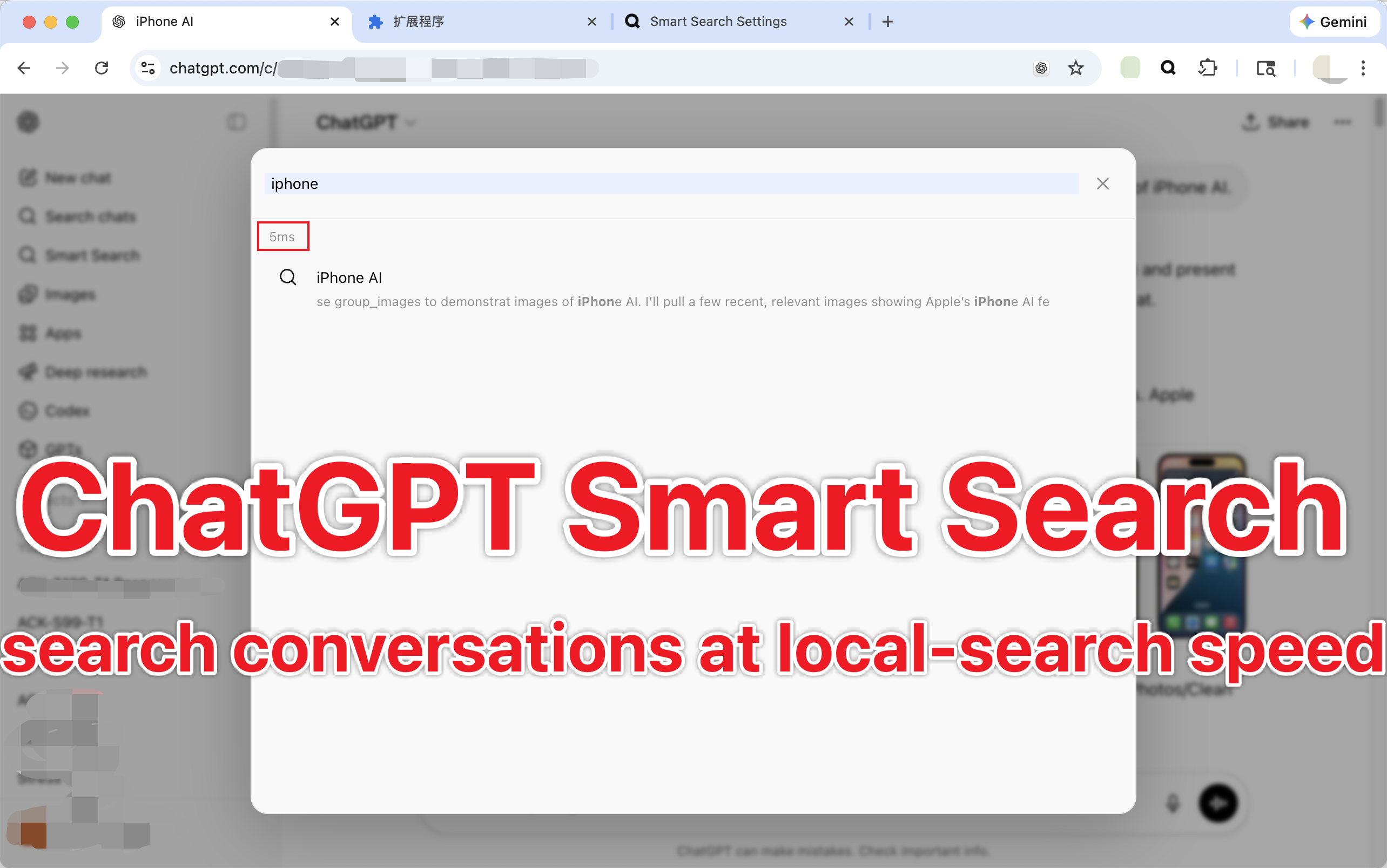
Recall relevan di riwayat yang panjang
Temukan percakapan yang tepat lebih cepat dengan pemeringkatan lokal yang disetel untuk riwayat chat, bukan pencarian halaman yang umum.
Search years of ChatGPT history with local-first indexing, faster recall, and direct jumps to the exact message you need.
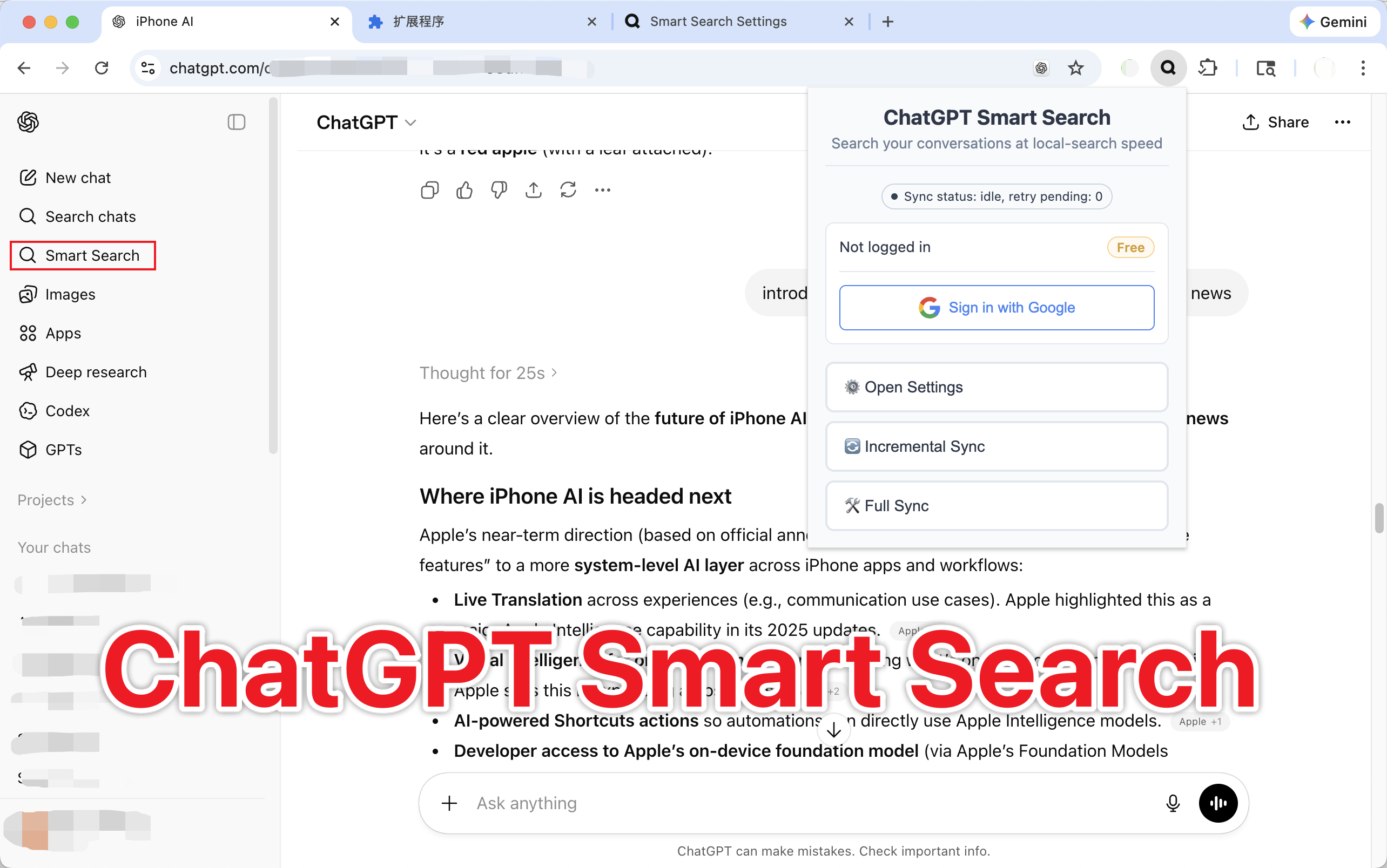
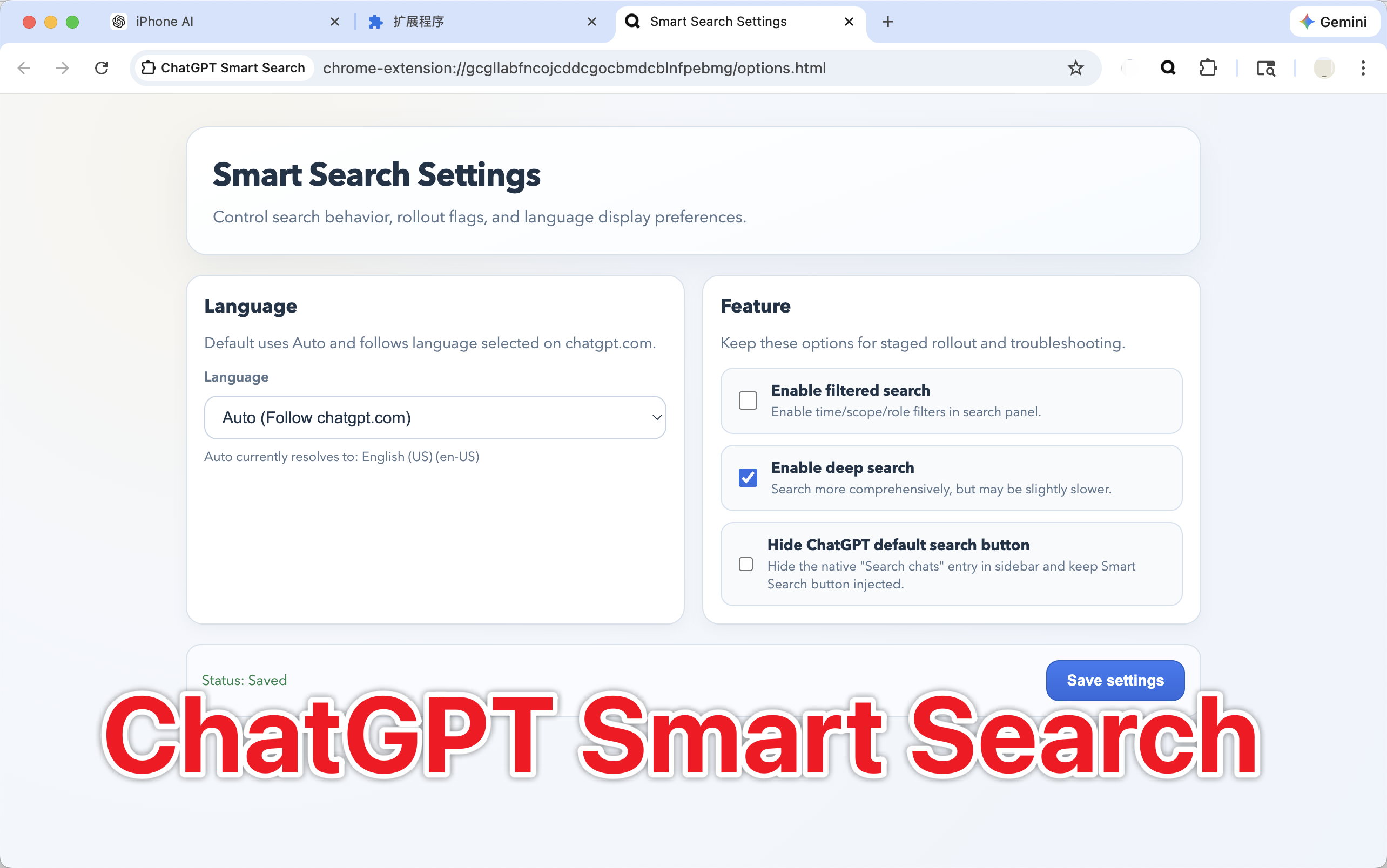
Search stays local, sync stays visible, and jump results land near the exact message instead of only the right conversation.
Build a local index on your computer and return relevant results without waiting on a remote search pipeline.
Search results carry jump hints so Smart Search can auto-scroll near the exact answer instead of dropping you at the top of a long thread.
Stage-aware status shows discovering, fetching, indexing, and persisting so sync does not feel like a black box.
Preview the core outcomes before rollout: relevant recall, message-level jump, and sync visibility that users can actually see.
Temukan percakapan yang tepat lebih cepat dengan pemeringkatan lokal yang disetel untuk riwayat chat, bukan pencarian halaman yang umum.
Hasil yang cocok membawa konteks yang cukup untuk mendarat dekat balasan tepat yang ingin Anda temukan kembali.
Pengguna dapat melihat tahap sinkronisasi dan tahu apakah riwayat baru sudah diindeks sebelum mencari lagi.
Start free with your latest 50 conversations indexed locally. Upgrade to Pro to remove the cap and search your full local history.
Latest 50
Everything in Smart Search, capped to your latest 50 conversations.
Full history
Everything in Free, plus unlimited indexed conversations across your full local history.
Open ChatGPT, run sync, then search and auto-locate directly to the target message.
Keep a ChatGPT tab active so the extension can read your local conversation timeline.
Sync updates only changed conversations and reports clear stage-aware progress.
Query over indexed recall, then auto-scroll to the matched message anchor with stable hints.
Quick answers to common questions
Common causes and checks:
smartsearch.content_loader_errorhttps://chatgpt.com/*This usually means session discovery has not reached fetch/index stages yet.
Smart Search now performs incremental writes, but stale data can still appear if sync is interrupted.
Conversation indexing and ranking run locally on your computer.
Current boundary:
/api/auth/session supports bearer token and session cookieRecommended release checks:
Collect build hash, extension logs, and failing route details, then open a feedback issue for maintainers to reproduce.
Implementation milestones stay visible, but they no longer lead the homepage narrative.
Index updates now merge changed conversations with existing state instead of full rebuilds.
Build now includes a reproducible Playwright-based smoke for loading popup/options in a real browser context.
Failed conversations enter retry jobs with backoff and cleanup after successful replay.